

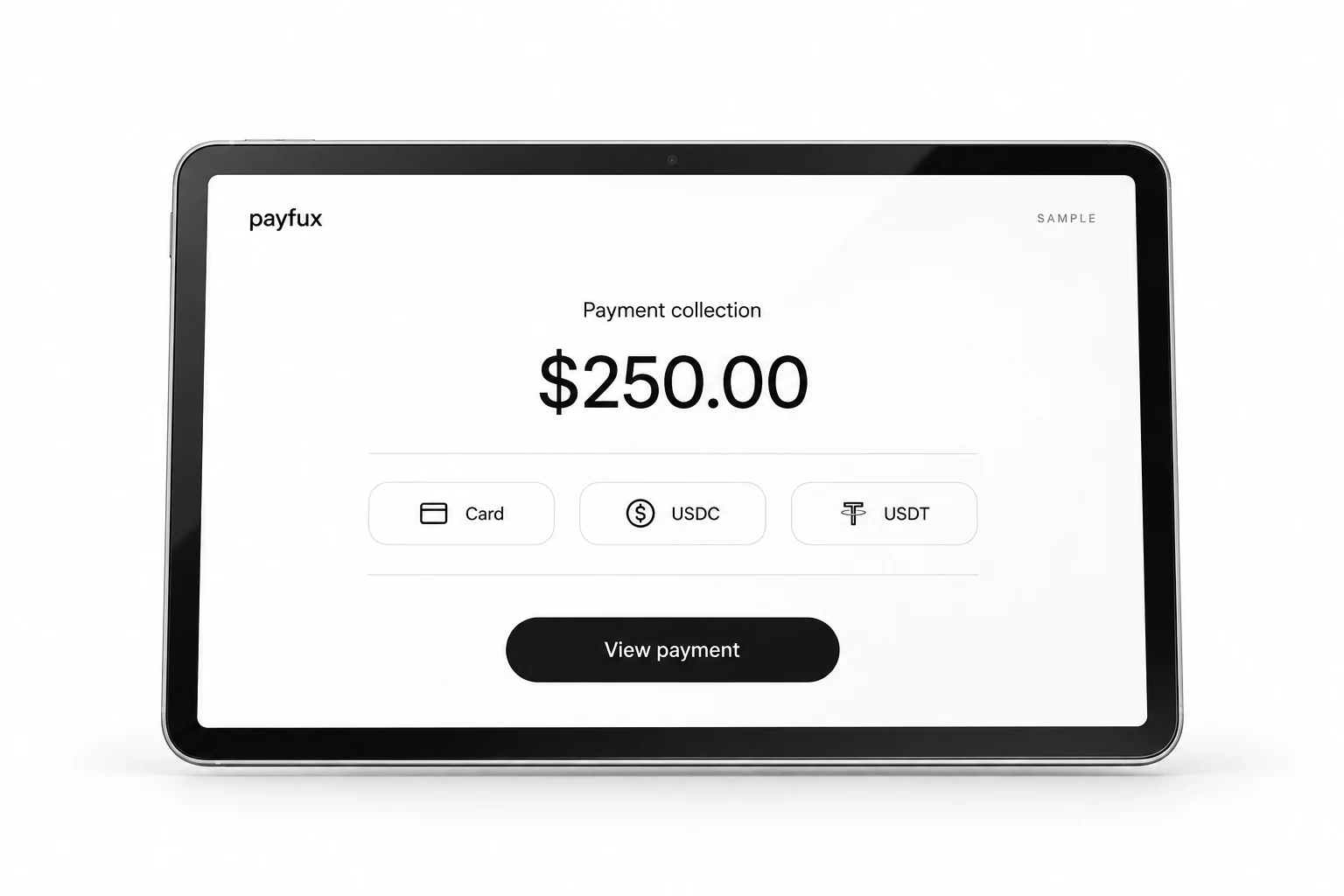
01 / Workflow
From request to matched payment
The payment starts with a business reference, so the team does not need to identify an unexplained incoming amount later.
- 01
Create the request
Enter the amount, currency, customer or order reference and the information needed to identify the purpose of payment.
- 02
Share the payment route
Send the generated link through the operator's chosen customer communication channel.
- 03
Follow payment state
The invoice record shows whether payment evidence is pending, confirmed or moving through settlement.
- 04
Match the result
Reconcile the payment and fees to the original invoice, order or customer reference.
02 / Operations
A payment request with enough context
Each request is designed to remain understandable to the person paying and the team reconciling it.
Amount and currency
The requested value is recorded at creation rather than reconstructed from a later transaction entry.
Customer or order reference
A business identifier ties the link and resulting payment to the record the operator already uses.
Request status
Creation, payment evidence and settlement state remain visible in the same operating context.
Fee reconciliation
Gross value and recorded fees can be reviewed before the operator closes the invoice or order.
03 / Requirements
A link is not a promise of payment
Creating an invoice or link does not ensure that the customer pays, that a particular method appears or that settlement completes on a fixed schedule.
- The operator is responsible for accurate invoice descriptions, pricing, taxes, refund terms and customer communications.
- Method availability depends on the customer, amount, currency, location, provider status and account configuration.
- Payment and settlement states can change when provider, network, dispute or reconciliation evidence changes.
04 / Questions
Questions operators ask
Does a customer need a Payfux account to open a payment link?
The customer journey depends on the configured payment experience. Account or verification requirements, if any, are confirmed during integration review.
Can a link carry an order number?
The described flow includes an order, invoice or customer reference so the resulting payment can be matched to the operator's business record.
Can an invoice be paid with card or crypto?
The link can present configured payment options. The options available for a particular request depend on its transaction context and the customer's account setup.
What happens if the customer pays a different amount?
The operator should compare the request and payment records and follow the exception process agreed for its payment method and provider. No universal adjustment behavior is claimed.
Can a payment link expire?
Validity and expiry behavior depend on the configured product. The operator should use the lifecycle shown in its dashboard or integration documentation.
Payment-request workflow
Review how your team creates and matches requests
Bring the customer references, currencies, payment context and reconciliation outcome your workflow needs to preserve.
Talk to onboarding