

01 / Workflow
Configure the frame around payment
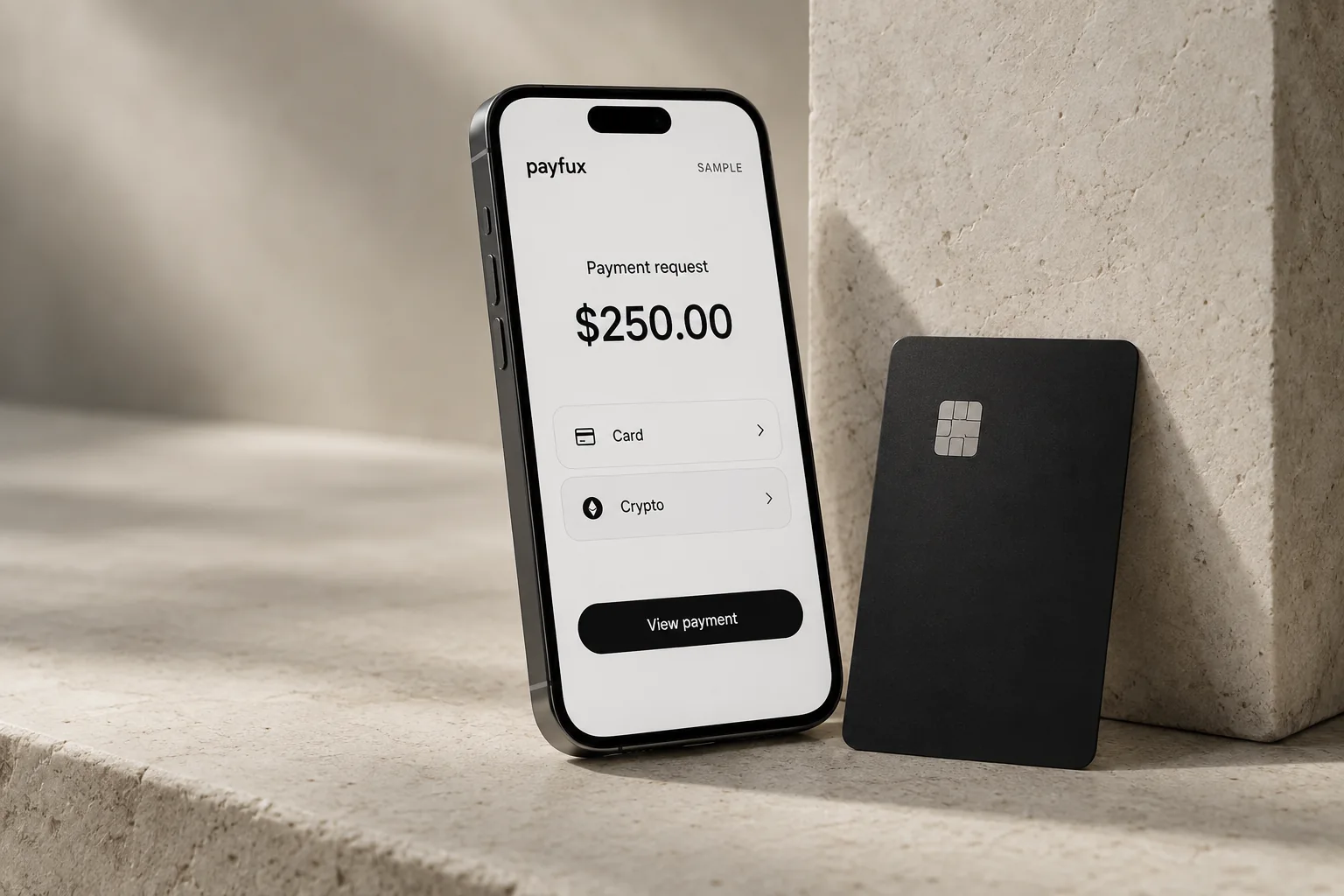
Brand controls and payment configuration stay separate: the operator owns the customer-facing context while available methods remain governed by the account and transaction.
- 01
Set the visual identity
Choose the approved logo, colors and interface treatment used around the payment experience.
- 02
Define the payment context
Pass the amount, currency, customer or player reference and the agreed return destination.
- 03
Present configured methods
Show the options available for that customer, amount, currency, location and provider state.
- 04
Return with the reference intact
Bring the customer back to the operator flow while preserving the payment reference used for status and reconciliation.
02 / Operations
Checkout controls with an operating purpose
The branded layer is not decoration alone. It helps the customer recognize the operator and helps the operator preserve context through the payment handoff.
Logo and color controls
Approved identity settings keep the checkout visually connected to the operator's product.
Method presentation
Configured options can be organized in the checkout without implying that every method is available to every customer.
Reference continuity
Player, customer or order references remain associated with the payment session for later status checks and reconciliation.
Return-flow control
The agreed return path reconnects the customer with the operator experience after the payment interaction.
03 / Requirements
Configuration is reviewed before use
A branded checkout does not replace the operator's legal disclosures or make every payment method available. The final integration model is documented during setup.
- The operator must use truthful pricing, refund, withdrawal, privacy and gaming disclosures required for its customers.
- Card-data handling and provider responsibilities depend on the agreed checkout configuration.
- Method availability depends on customer location, amount, currency, provider status and account configuration.
04 / Questions
Questions operators ask
Which parts of the checkout can an operator brand?
The described controls include logo, colors, payment-method presentation and the surrounding return flow. The final set is confirmed for the operator's configuration.
Is the checkout hosted or embedded?
The production integration model is confirmed during setup. Payfux should not be assumed to provide every delivery model shown in an interface example.
Can the operator choose which methods appear?
The checkout uses the customer's configured options, but live presentation also depends on transaction context and provider status.
What happens after a customer leaves the checkout?
The agreed return flow brings the customer back to the operator experience with the payment reference needed to retrieve or reconcile status.
Does branding change payment eligibility?
No. Visual configuration does not override onboarding, risk controls, method availability, provider rules or transaction limits.
Checkout review
Bring your payment journey and brand system
Payfux can review the customer path, identity controls, payment context and return behavior required by your product.
Talk to onboarding